
What is an Instagram Photo Post?
A single-photo post contains one image. When you open the individual post, there are no additional slides to swipe through. For this type of public post, GoodFetch uses the dedicated Instagram Photo Downloader.
Single photo = Photo Downloader
Copy the direct public post link and use the Photo Downloader when the post contains one image only. The result is designed around one returned image rather than a collection of numbered items.
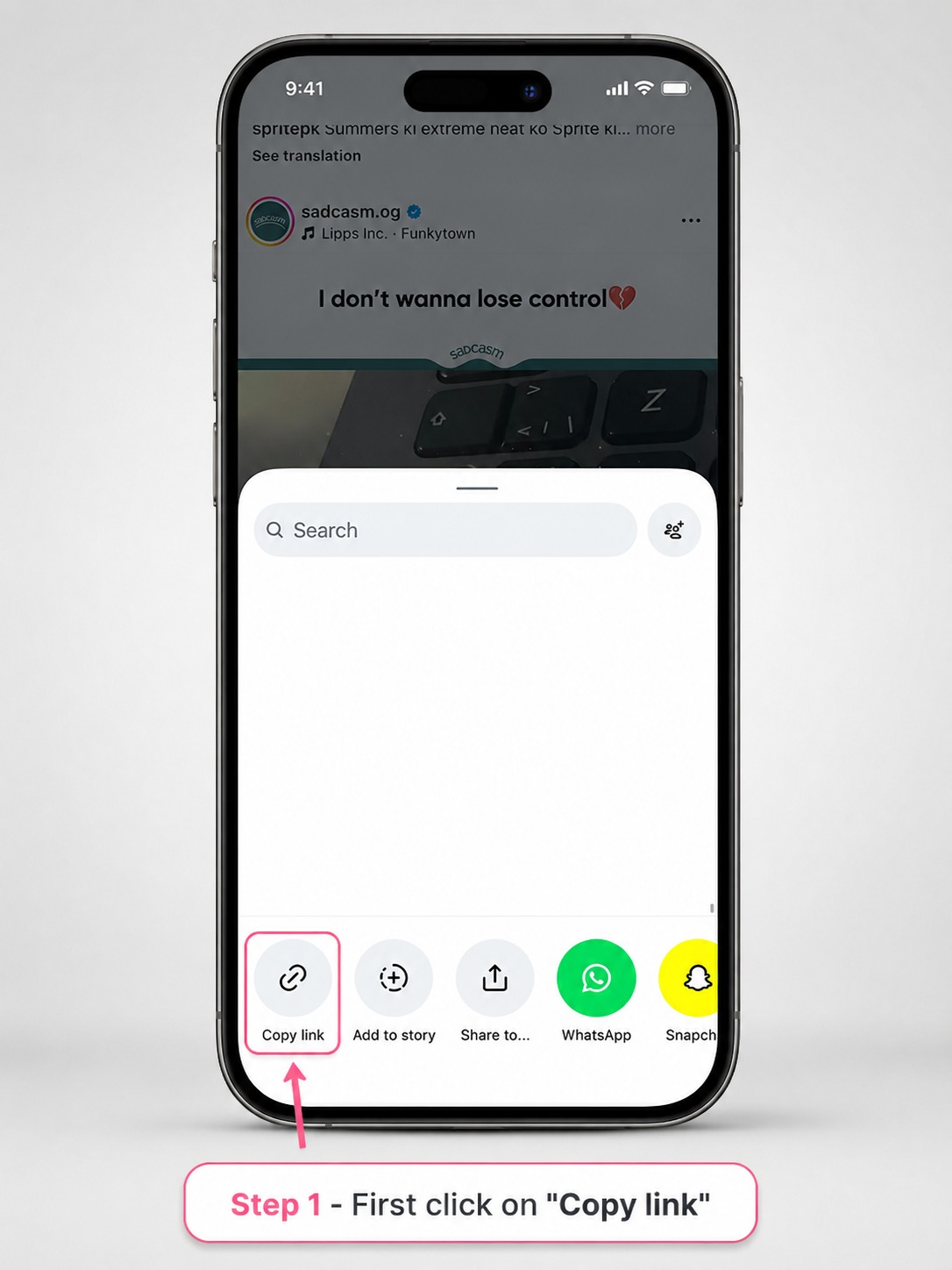
What is an Instagram Carousel Post?
A carousel is one post with multiple swipeable slides. It can contain several photos, several videos, or a mixture of both. GoodFetch uses the Instagram Carousel Downloader for this multi-item format and shows the available returned items separately.
Multiple slides = Carousel Downloader
Choose the Carousel Downloader when the post clearly contains more than one slide. Each available photo or video is presented as its own returned item instead of being combined into one ZIP file.
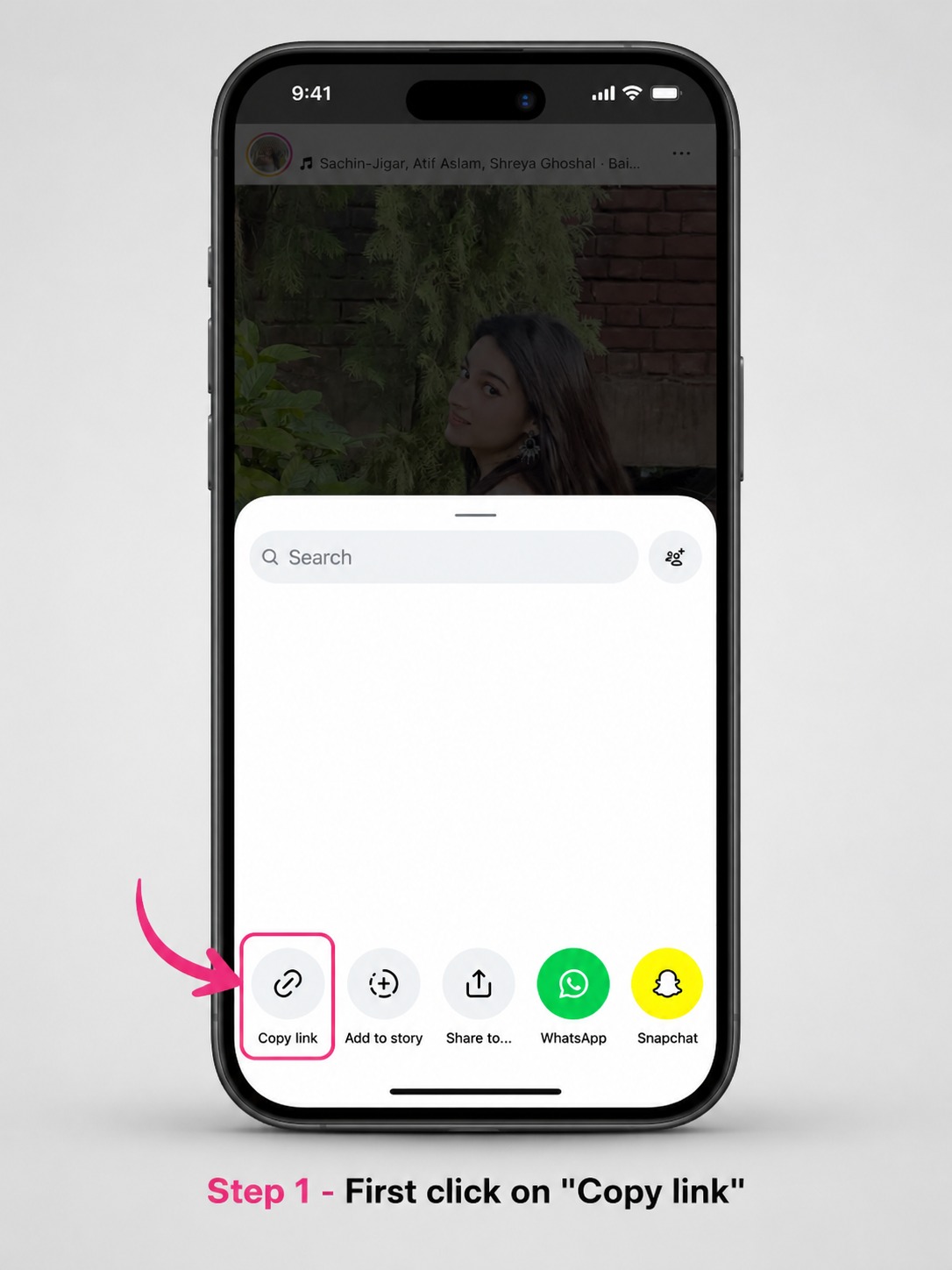
How to Choose the Correct GoodFetch Tool
- One image, no extra slides: use Instagram Photo Downloader.
- Multiple photos: use Instagram Carousel Downloader.
- Multiple videos: use Instagram Carousel Downloader.
- Mixed photos and videos: use Instagram Carousel Downloader.
- Short-form Reel video: use the Instagram Reels Downloader, not either post tool.
How the Download Results Differ
Photo Downloader result
The Photo Downloader is built around a single image result. When the public source returns media, GoodFetch can show an image preview, available format, dimensions, and the related download action.
Carousel Downloader result
The Carousel Downloader can return several numbered items. Those items may be photos, videos, or both. Each item is handled separately, and the current workflow does not promise a ZIP file or a working Download All button.
What if You Use the Wrong Downloader?
If a one-image post is submitted to the carousel workflow, or a multi-item post is treated as a single photo, the result may not match what you expected. Return to the post, confirm whether it has one image or multiple slides, and then use the matching GoodFetch tool.
Also confirm that the URL opens one individual public post. Profile, feed, Explore, private-account, login-protected, removed, or otherwise inaccessible links are outside the supported public-post workflow.
Privacy and Responsible Use
GoodFetch does not request Instagram credentials or private-account access. Public visibility does not remove copyright, privacy, publicity, or platform restrictions. Save only media you own or are permitted to download.
Frequently Asked Questions
What is the difference between an Instagram photo post and a carousel post?
A single-photo post contains one image. A carousel contains multiple swipeable items and can include photos, videos, or both.
Which GoodFetch tool should I use for one Instagram photo?
Use the Instagram Photo Downloader when the public post contains one image and no additional slides.
Which GoodFetch tool should I use for several Instagram photos?
Use the Instagram Carousel Downloader when the public post contains multiple slides. It lists the available returned items separately.
Can a carousel contain both photos and videos?
Yes. A carousel can contain a mixture of photos and videos. GoodFetch labels the returned items individually when the provider supplies them.
Can I tell photo vs carousel only from the Instagram URL?
Do not rely on the URL alone. Open the individual post and check whether it has one image or multiple swipeable slides before choosing the GoodFetch tool.
Does the Carousel Downloader create one ZIP file?
No. The current GoodFetch carousel workflow shows available items separately and does not provide a functional ZIP or Download All workflow.
Can GoodFetch process private Instagram photo or carousel posts?
No. GoodFetch supports publicly accessible post links and does not request Instagram credentials or bypass private access.
Choose the Tool That Matches the Post
Use the Photo Downloader for one image or the Carousel Downloader for a multi-item public post.